Which method should you use?
| Method | Best for | Keeps updating? | Cost |
|---|---|---|---|
| Webflow CSV import | One-off uploads and occasional updates | No, you upload a new file each time | Included with Webflow |
| Zapier or Make | A few rows at a time, or workflows across several apps | Yes, row by row | Free plans, then priced by tasks or credits |
| Apps Script and the Webflow API | Developers who want full control | Yes, if you build and maintain it | Free to run, plus development time |
| A sync app such as Sheetflow | Content that changes regularly, across many items | Yes, on demand or on a schedule | Sheetflow is free for 100 items per sync, paid plans from $12/month |
Prices as listed on 6 November 2026.
This guide covers sending rows from a sheet into your CMS. Sending Webflow form submissions to a sheet is the opposite direction and needs a different setup. Embedding a published sheet on a page only displays it, and doesn't create CMS items.
1. Webflow CSV import
Webflow can import a CSV file into any collection, so you can download your sheet as a CSV and upload it.
- In Google Sheets, choose File, then Download, then Comma-separated values.
- In the Webflow CMS, open your collection and import the file.
- Match each column to a field, then run the import.
To update items you've already imported, export the collection first and keep the Item ID column. Then choose Link and update matching items when you upload. If you choose Import all as new items, every row becomes a new item, which is the usual cause of duplicates.
Files can be up to 4 MB, and file fields have to be uploaded by hand. See the full list of CSV import limits.
2. Zapier or Make
Automation tools can watch your sheet and create or update a CMS item when a row changes. They suit small volumes and workflows that also touch other apps, such as notifying Slack.
Each row runs on its own and uses part of your plan, so large updates can get expensive. Reference fields usually need a lookup step, and Markdown needs an extra formatting step. You'll also need to update the workflow when your fields change.
Compare them in more detail: Sheetflow vs Zapier and Sheetflow vs Make.
3. Apps Script and the Webflow API
If you can write code, Google Apps Script can call the Webflow API v2 on a timer. You'll need to handle authentication, rate limits, errors, images and references yourself. To avoid duplicates, store each row's Webflow item ID in a hidden column so you update items rather than create new ones.
This gives you full control, but you own the upkeep.
4. A sync app
A sync app connects to your sheet and your site, and handles the matching, field conversion and scheduling for you. The options differ mainly in direction:
- One-way: Sheetflow sends your sheet to Webflow. Your team edits the sheet, and the site follows.
- Two-way: Whalesync and Byteline can also send edits made in Webflow back to the sheet. Compare Sheetflow and Whalesync.
How to connect Google Sheets to Webflow with Sheetflow
- Connect your accounts. Sign up, then connect Google and your Webflow site.
- Choose your sheet and tab. Sheetflow reads your column names from the first row.
- Choose a collection. Pick an existing CMS collection, or create a new one from your sheet.
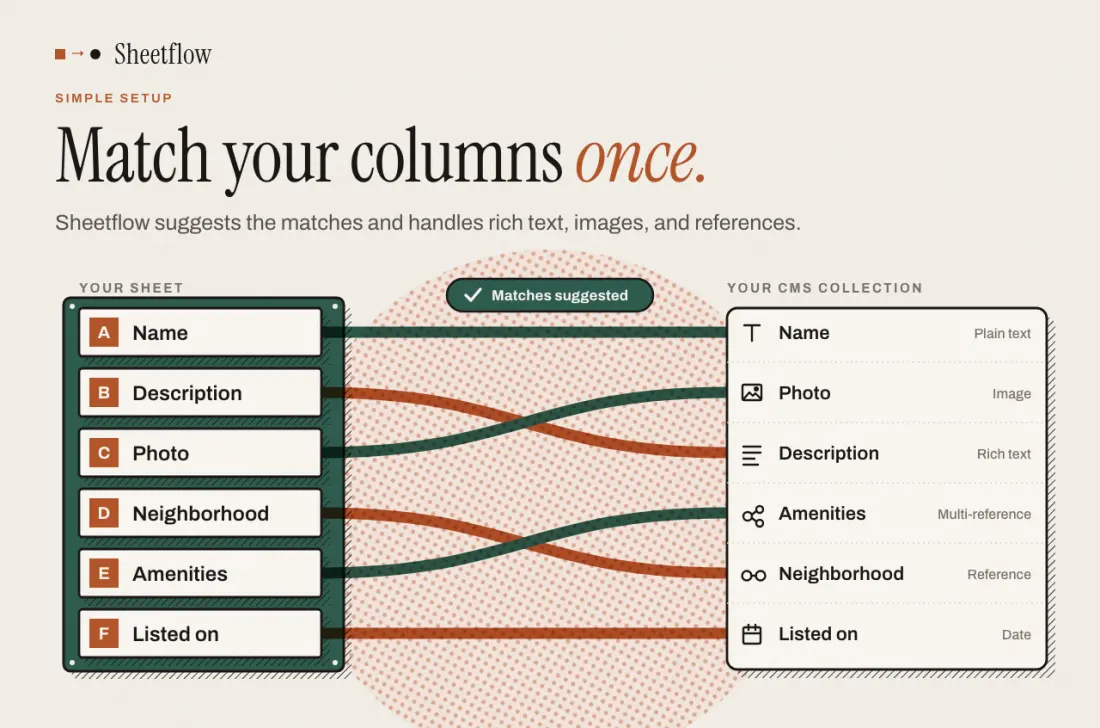
- Match your columns to fields. Sheetflow suggests the matches. Choose the column that identifies each row, such as an ID or slug.
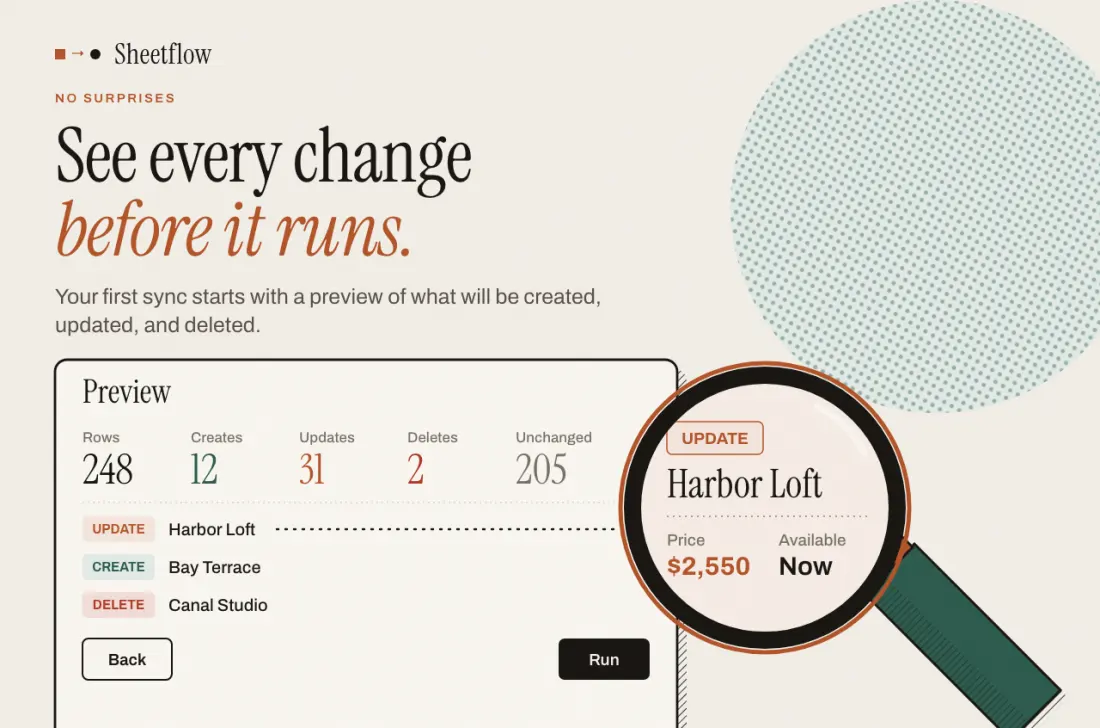
- Preview the changes. See what will be created, updated and deleted before anything runs.
- Run your sync. Sync once by hand, then set a schedule if you want one.
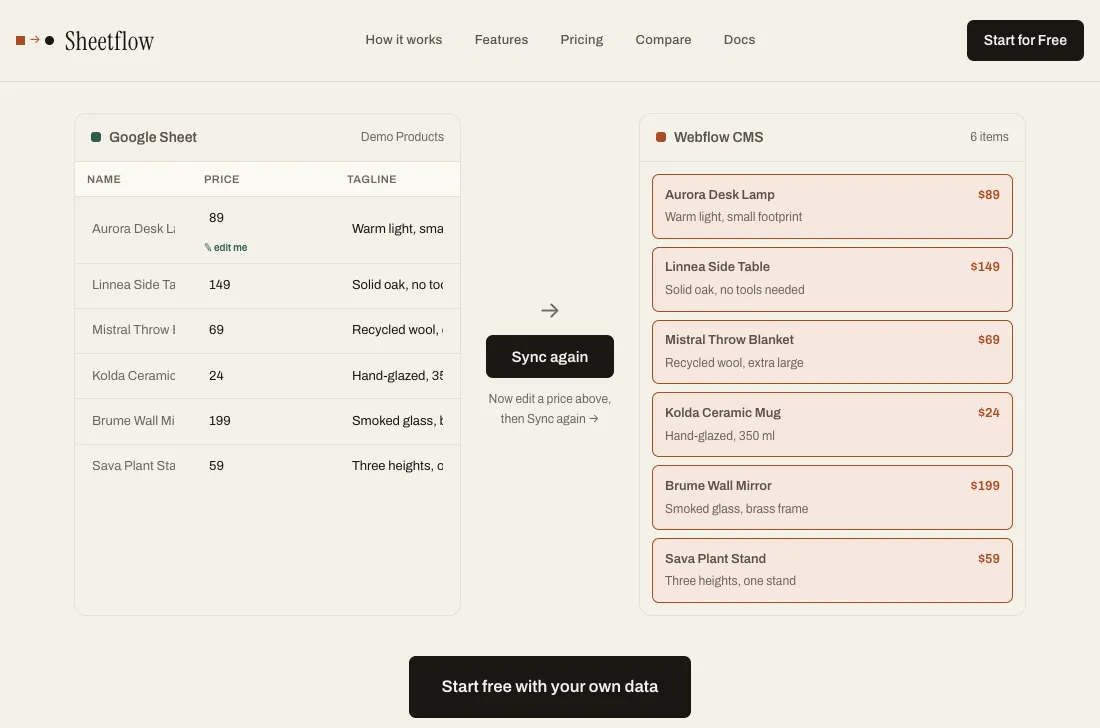
Want to see it first? Try the live demo with a sample sheet, no signup needed. For more detail, see Getting started.
Sheetflow plans
| Plan | Price | Sites | Items per sync | Schedule |
|---|---|---|---|---|
| Free | $0 | 1 webflow.io site | 100 | One-click sync |
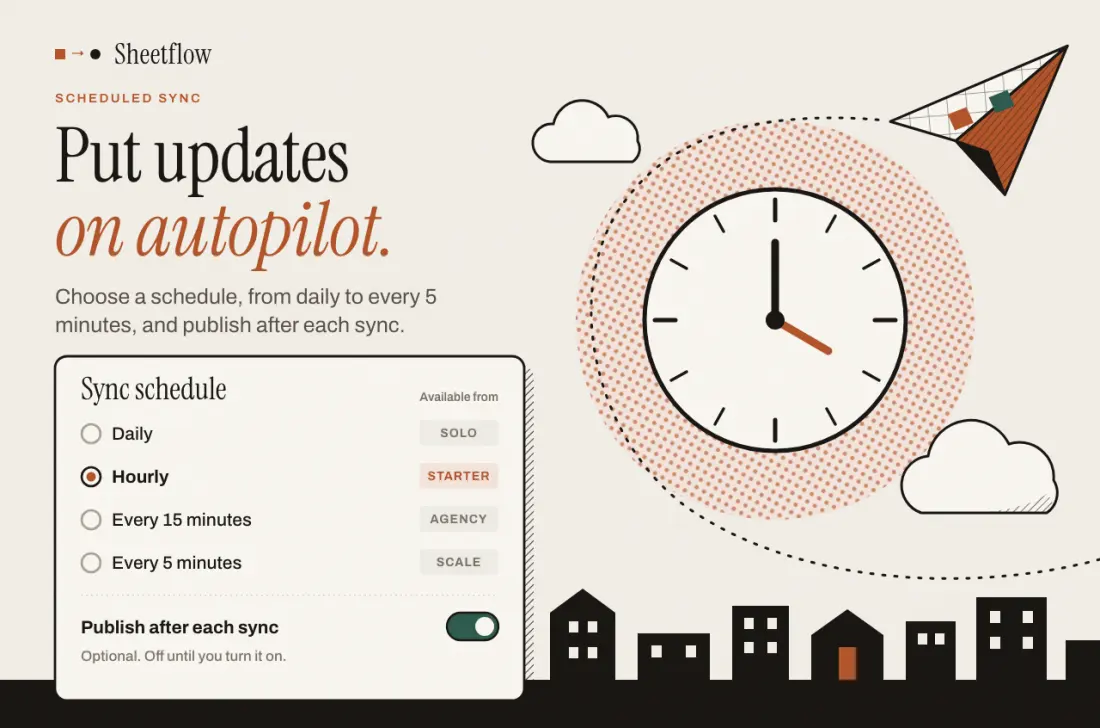
| Solo | $12/month | 1 | 500 | Daily |
| Starter | $29/month | 3 | 2,500 | Hourly |
| Agency | $79/month | 10 | 15,000 | Every 15 minutes |
| Scale | $199/month | Unlimited | 50,000 | Every 5 minutes |
Paid plans support custom domains, and annual billing saves about 20%. You can try scheduled syncing free for 14 days with no card (1 site, up to 50 items, hourly). Your Webflow plan's CMS limits still apply.